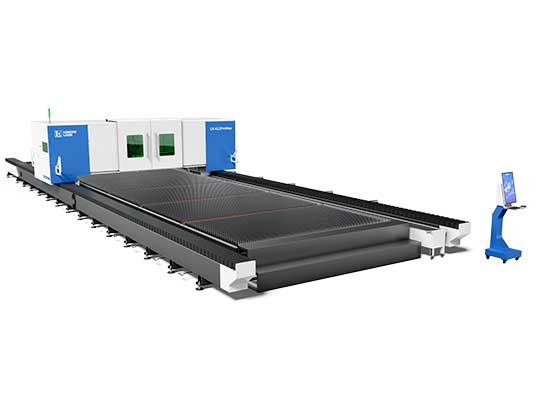
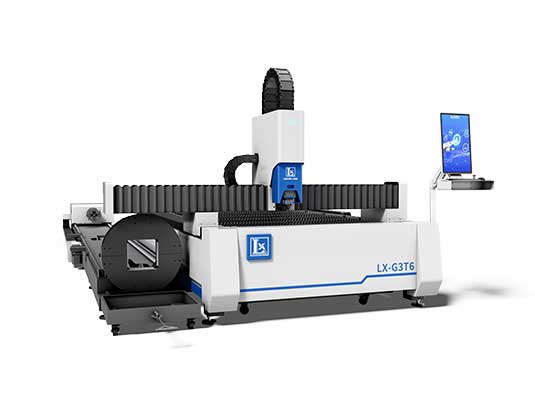
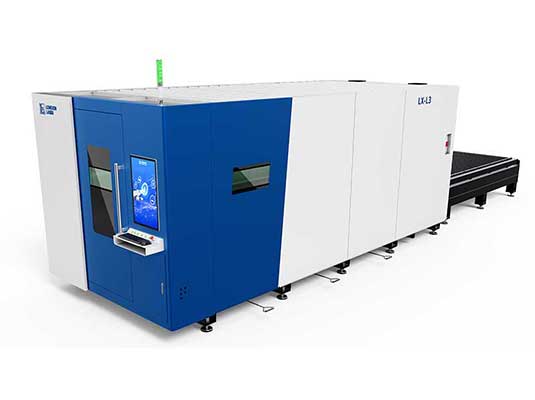
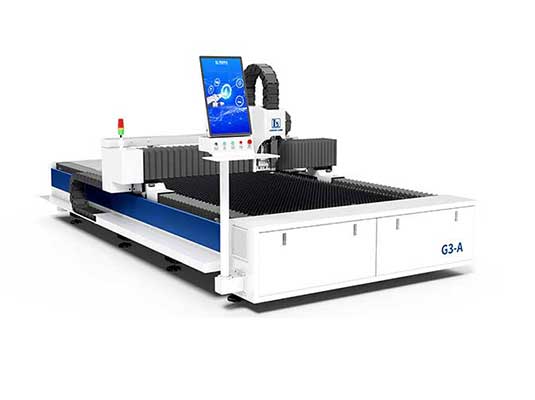
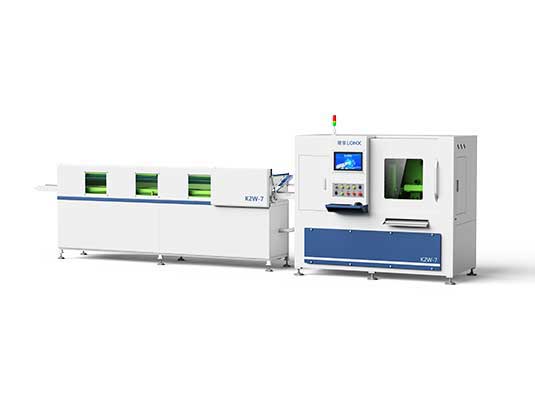
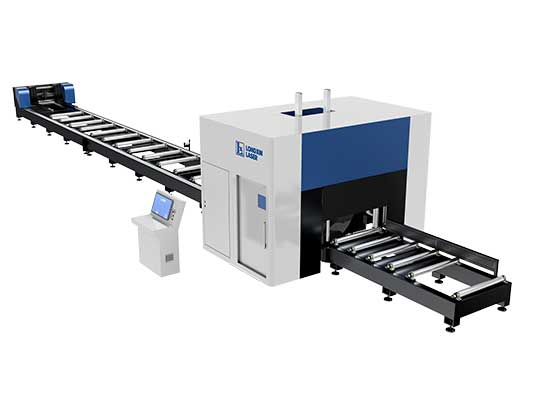
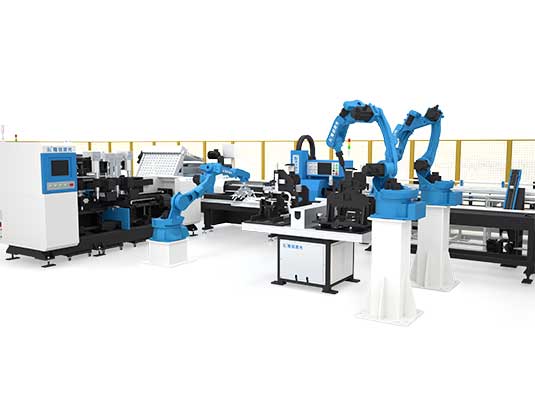
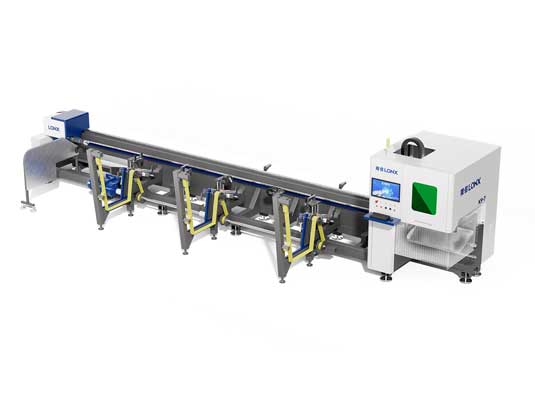
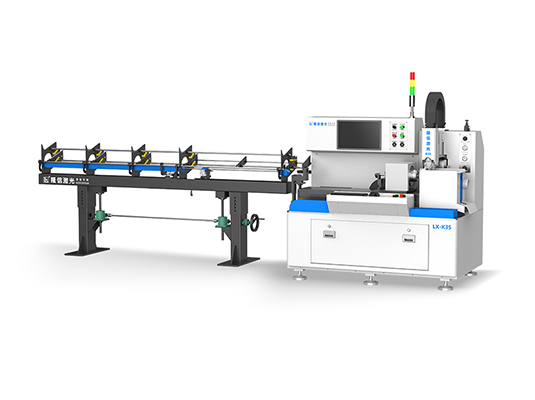
Operating an industrial CNC laser cutting machine—whether a flat-sheet cutter or a multi-axis tube laser—requires a clear understanding of digital CAD/CAM preparation, machine calibration, and laser safety protocols.
When operated properly, modern fiber laser systems achieve repeatable cutting tolerances within ±0.03 mm while maximizing throughput. However, skipping essential setup steps can lead to poor edge quality, excessive slag dross, or costly nozzle crashes.
Whether you are training new workshop operators or establishing standard operating procedures (SOP), this guide details how to use a laser cutting machine safely and efficiently across seven practical steps.
Before powering on any Class 1 or Class 4 industrial laser system, ensure all basic workshop safety protocols are strictly enforced:
Personal Protective Equipment (PPE): Operators must wear certified laser safety glasses matched to the machine's exact wavelength (typically 1,064 nm for fiber lasers or 10,600 nm for CO2 lasers). Wear heat-resistant gloves and safety boots.
Exhaust and Dust Filtration: Verify that the industrial dust collector and fume extractor are turned ON and airflow suction is clear.
Fire Safety: Keep a certified Class D (for combustible metal dust) or CO2 fire extinguisher within immediate arm’s reach of the machine frame.
Enclosure Interlocks: Ensure the safety door interlocks, safety light curtains, and emergency stop buttons (E-stops) are active and unobstructed.
Laser cutting begins with a clean digital blueprint. The CNC controller requires vector paths rather than raster images to calculate the laser's physical trajectory.
Design Clean Vector Geometry: Draw or export your part in 2D (DXF, DWG) or 3D (STEP, IGES) using CAD software like AutoCAD, SolidWorks, or Fusion 360.
Eliminate Geometry Flaws: Remove overlapping vectors, duplicate lines, or open contours that could cause the laser head to double-burn the same edge.
Scale and Units Verification: Ensure your design uses a 1:1 scale and standard units (millimeters or inches) matching your machine controller’s default settings.
Once your CAD drawing is complete, import the file into your machine's CAM nesting software (such as CypCut, CypTube, or Lantek):
Lead-In and Lead-Out Lines: Add appropriate lead-in lines (straight or arc) away from visible exterior part edges. This ensures the initial piercing hole—which produces a momentary blast of molten metal splatter—does not damage the final component contour.
Micro-Joints (Tabs): For small parts cut from flat sheets or thin tube cutouts, apply micro-joints (0.2 mm to 0.5 mm tabs) to prevent finished parts from tipping up and colliding with the moving laser head.
Nesting Optimization: Arrange multiple parts tightly across the raw sheet or along the tube length. Utilizing common-line cutting (sharing an adjacent edge between two parts) cuts machining time and saves raw stock.
Generate Machine G-Code: Export the compiled nesting layout into CNC machine code and transfer it to the machine controller via Ethernet or USB.
A 60-second visual inspection before loading raw stock prevents 90% of common cutting defects:
Inspect the Cutting Nozzle: Check the copper nozzle tip for roundness, slag buildup, or physical gouges. A deformed nozzle orifice disrupts assist gas flow, leading to dross and burn-through.
Check the Protective Cover Glass: Pull out the protective window cartridge and examine the quartz lens under bright light. If oil spots, dust particles, or burn marks are visible, clean the glass with lint-free optical wipes and anhydrous alcohol, or replace it immediately.
Check Lubrication and Chiller Status: Confirm the dual-circuit water chiller is operating within the recommended temperature range (typically 22°C to 25°C) and guide rail automatic oilers are filled.
Proper material positioning ensures cut precision and prevents vibrations during rapid machine acceleration:
For Flat-Sheet Cutters: Load the sheet onto the cutting table slats using a vacuum lifter or crane. Ensure the plate lies flat against the table locating pins without excessive bowing.
For CNC Tube Lasers: Place the raw pipe or structural profile into the front and rear pneumatic chucks (or utilize an automated bundle feeder). Ensure the self-centering chuck clamps firmly without crushing thin-walled tubing.
Automatic Edge Seeking (Find Edge): Run the CNC controller’s automated edge-finding function. The cutting head uses its capacitive sensor to locate three corners of the material, automatically rotating the software coordinate system to match the material's exact physical alignment.
Dialing in the correct laser cutting parameters is critical for a smooth, burr-free edge:
| Material Type & Thickness | Recommended Assist Gas | Gas Pressure | Cutting Speed & Focus Strategy |
| Carbon Steel (1mm – 6mm) | Oxygen (O2) / High-Pressure Air | 0.8 – 2.5 bar / 12 – 16 bar | Positive focus for O2; high-speed air cutting |
| Thick Carbon Steel (8mm – 20mm+) | Oxygen (O2) | 0.5 – 1.2 bar (Low pressure) | Staged multi-level piercing; positive focus |
| Stainless Steel (1mm – 8mm) | High-Pressure Nitrogen (N2) | 12 – 18 bar | Negative focus (below top surface); clean shiny cut |
| Aluminum Alloys (1mm – 6mm) | High-Pressure Nitrogen (N2) | 14 – 20 bar | Zero or slightly negative focus; fast feed rate |
Assist Gas Selection: Set gas pressures via the machine’s proportional valve screen. Nitrogen produces an oxide-free, weld-ready edge on stainless and aluminum, while oxygen provides exothermic heat for cutting heavy carbon steel.
Laser Power & Frequency: Adjust laser peak power, duty cycle, and pulse frequency according to the machine manufacturer’s validated cutting parameter library.
Never run an unverified cutting program at full speed on raw material:
Dry Run (Red Light Pointer Simulation): Execute a dry run with the laser beam turned OFF. Watch the red aiming diode follow the outer bounding box of the nesting layout to verify that the cutting head will not travel off the material edge or strike bed clamps.
Test Cut a Single Part: Run the program for a single sample piece.
Inspect the Cut Edge: Examine the sample for:
Bottom Slag/Dross: Indicates insufficient gas pressure, excessive cutting speed, or incorrect focus height.
Rough Striations: Indicates excessive assist gas pressure or incorrect nozzle stand-off distance.
Dimensional Accuracy: Measure hole diameters and length tolerances using digital vernier calipers.
With the test cut verified, proceed to full production:
Monitor the Live Cut: Keep visual contact with the cutting zone through the laser-safe viewing window. Listen for any abrupt change in cutting sound, which can indicate loss of cut penetration or nozzle collision.
Unload Finished Workpieces: Wait for the machine cycle to finish completely and the safety doors to unlock. Use heat-resistant protective gloves to remove hot cut parts from the slats or sorting conveyor.
Clean Machine Slag and Slats: Periodically clear scrap bins, wipe down the magnetic chip catchers, and remove slag buildup from bed slats to maintain consistent workpiece leveling.
To maintain peak productivity and operator safety, remember this streamlined workflow:
Mastering how to use a laser cutting machine begins with reliable, operator-friendly industrial equipment engineered with intuitive CNC interfaces and built-in crash protection.
As a dedicated manufacturer of industrial CNC fiber laser cutting systems, we equip our flat-sheet cutters and high-speed tube laser machines with intelligent auto-focus heads, automated bundle loading, and comprehensive operator training support.
Contact Lonxlaser engineering support team today to request machine operation manuals, software tutorials, or customized machinery consultations for your workshop.